
Milky Way Distributors › Backend
Milky Way Backend Login for Agents
On Milky Way, players chase fish tables and slots—you run the backend that funds them. Below is the login-to-history path before your first busy night.
What this page covers
Making players
Pick a name and a first password for every newcomer, then pass them over in a message.
Loading and redeeming
Add points after a player pays you, and take points off when they cash out.
History you can trust
Every change is saved with a date and time, ready if anyone has a question.
Backend link versus player link
These are two different things. The player link opens the games. The backend link shows names, points and history, and only you should have it.
Where the points come from
The balance in your backend is prepaid points bought from us. When it gets low, message us, pay, and new points appear in the same spot.
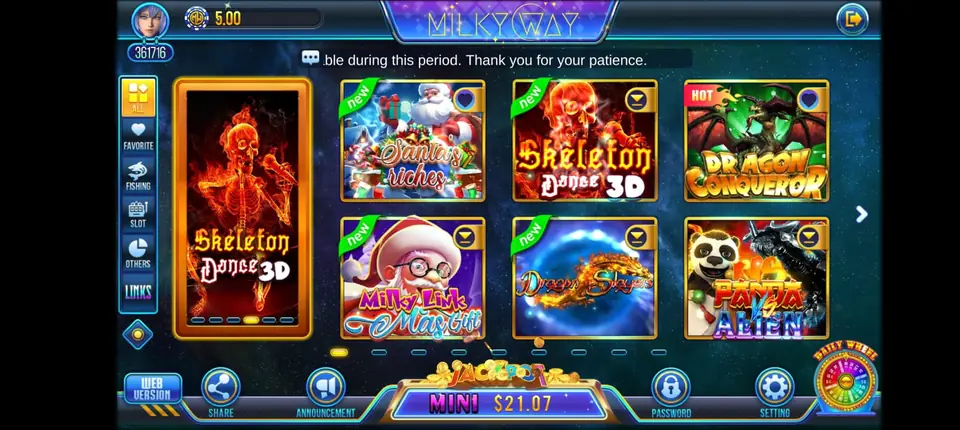
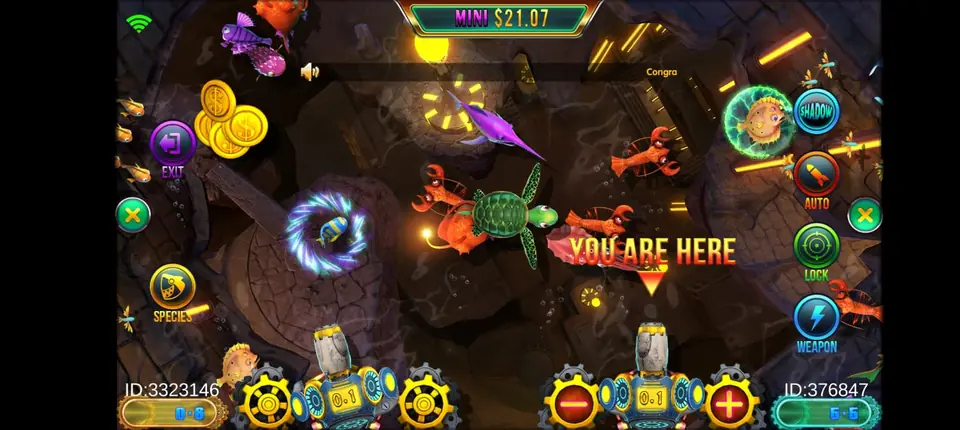
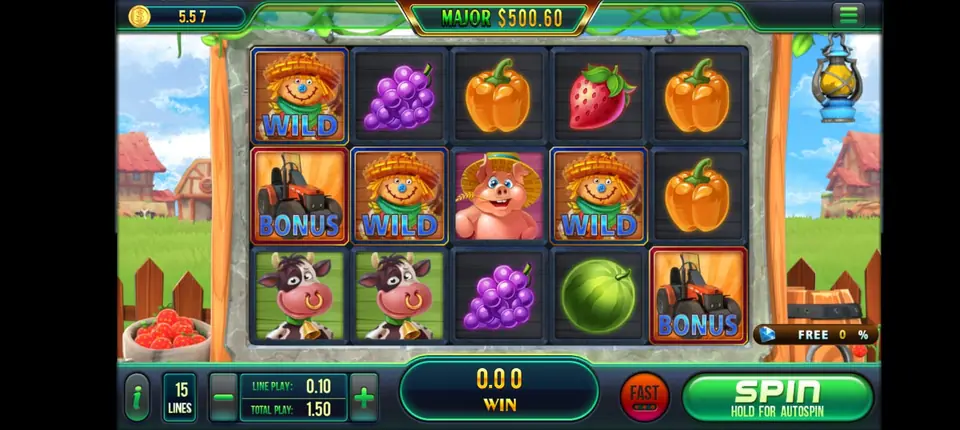
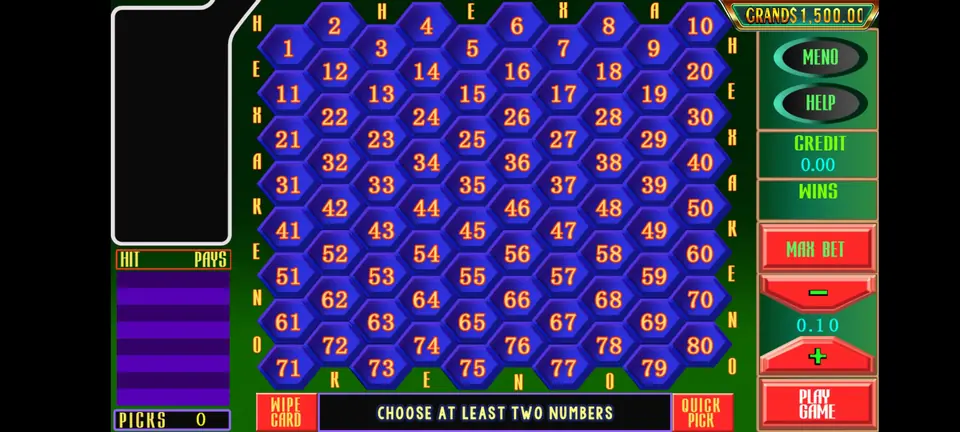
Milky Way game specs
The short version of what Milky Way offers, for anyone thinking about running it.
System specs
| Category | Play-at-home |
| Player apps | Android, iPhone and browser |
| Agent side | Web backend, works on a phone |
| Billing | Prepaid points |
| Average theoretical hold | 20–50% |
| Backend style | Close to Fire Kirin |
| Account levels | Distributor, sub-distributor, agent |
Game count
Backend features
- Fish rooms with cannons and boss targets
- Keno boards and a lottery grid
- A horse racing title
- Small lobby that new players learn fast
- Staff logins under one main account
- Point loads and redeems with a full log
Access links
Player page: milkywayapp.xyz
Agent panel: milkywayapp.xyz:8781
After we agree on your level, we message you the agent username.
Signing in for the first time
When your account is ready, we send you a username and the backend address. The Milky Way agent page is at milkywayapp.xyz:8781, and players use milkywayapp.xyz. Add the backend address to your bookmarks the same day. Typing it by hand each time is risky, because fake look-alike pages exist, and entering your details on one of them is the quickest way to lose an account.
Next, change the starting password to something new that you do not use for anything else. Write it down somewhere safe or keep it in a password app, but do not keep it as a photo on your phone. After that, wander around every menu just to see where things live. Looking cannot break anything, and knowing where things are makes busy nights much easier.
The pages you will use most
Player list
This page lists every player under your account with their points. Pick one naming style on the first day and stick to it. A first name plus a few numbers from the player's phone, like sara204, is easy to find later. When a "load 20 please" message arrives at midnight, a clear name lets you spot the right player at once.
Adding a player
Type the username, set a starting password and save. Send the details to the player along with the app or browser link. Ask them to change the password after they sign in for the first time. That way, you never need to keep a list of everyone's passwords.
Load and redeem
To load, find the player, type the amount and confirm. Points move from your balance to theirs right away. Redeem is the same steps going the other direction. One habit saves a lot of trouble: read the username one more time before you press confirm. Sending points to the wrong name is the slip we see most from fresh agents, and undoing it means awkward chats with two players.
History
Every load and redeem gets written down: the player, the points and the exact minute. If someone says "I never got my points", open the history and send them a screenshot. It ends most arguments in under a minute.
A short daily checklist
- Look at your own balance before your busy hours start.
- Answer waiting messages before you load anyone.
- Check the username twice before each load.
- Order more points from us before you hit zero, not after.
- Glance at the history once a day for anything odd.
Fire Kirin users will feel at home
The Milky Way backend uses nearly the same layout as the Fire Kirin agent pages. Menus, buttons and the order of steps match closely. If you already run Fire Kirin, you can learn this one in a single short session. If you are new to both, this is still one of the easier backends to start with. The admin panel guide covers the extra pages a distributor gets.
Backend questions
What is the Milky Way backend address?
Agents sign in at milkywayapp.xyz:8781. Players use milkywayapp.xyz. We send your username when your account is ready.
Will the Milky Way backend open on a mobile?
Yes. It opens in a phone browser, so you can load players while you chat with them.
What if I load the wrong player?
Redeem the points from the wrong player if they have not been used, then load the right one. Message us if you get stuck.
Does the backend keep a history?
Yes. Every load and redeem is saved with the time and amount, so you can show proof when needed.
Do I get a test backend?
Yes. Your first login has zero points so you can try every page for free.
Part of the Gamebridge API family
Milky Way sits beside many other titles on our main site. Head there to see the full list, plus a page about Milky Way.